The end of the year is a great time for some quiet reflection. Take stock of the important areas in your life — including financial — to provide a little perspective and priority before jumping into resolutions for the New Year.
Like good money habits, the habit of periodic introspection is an excellent habit to start developing early in life. In that vein, this teen guest blogger — who happens to be one of my sons — looks back on a decade of financial behavior.
Once upon a time — 1,086 transactions ago to be precise — my FamZoo experience began. June 16, 2002, marks the beginning of an eye-opening evolution of 50 cents. My humble beginnings of a “gumball” here and a “superball” there (8/10/02) soon transformed into a pattern of impulsive behavior.

 I’ll be honest with you, I don’t even know what the “Adventures of Bleeposaurus” means, but apparently it was worth dropping $15 on in 2003. We also can’t forget the heavy toll of a “broken window” the same year (11/01/03) — typical me. But hey, if I could milk my father with back-scratches in exchange for a few dollars, why not take advantage of the extra moolah?
But then it happened, with the devastating combination of both Halloween and sports video games, my bank account dipped into the negative. In 2004, I learned not to spend more money than I had. Unfortunately, that’s literally all it taught the young me because I still had no problem emptying my balance to $0 with a purchase. With allowance and “good behavior during babysitting” fueling my small, yet growing spending account, I managed to save up a decent amount of money. With a little bit more from picking up the yard and washing the car, I made the infamous “Heelys purchase.”
That pair of Heelys roller shoes is undoubtedly my most recognizable purchase, not only because it drained all my funds in one fell swoop, but because it was simply a dumb and impulsive act of squander. Sure, they were enjoyable for a little while, but it was a foolish purchase in the long run considering the cost.

Apparently I was also a punk, racking up some penalties with “rude talk to others” (9/25/05). In 2005, I learned not to make impulsive decisions and not to be a punk. Just kidding, I didn’t absorb either lesson at the time. To this day I still do both, but I make sure I still have money left over after a purchase. For your enjoyment, I bought “Heelys” again in 2007; effectively halving my balance at the time. Whoops!
From 2007 to 2011, I would say my behavior wasn’t too shabby. I saved up and spent money on movies with friends, lacrosse sticks, and video games. The most regrettable purchases being all the money I spent on video games, but so goes the story of a dolt; and admittedly, I still do occasionally spend money on games.
At this point in my journey (2011), I learned to not be so impulsive, save my money, and respect the role it plays in the world. I still waste money here and there, but I understand the significance of my actions and guiltily accept my behavior at these times.
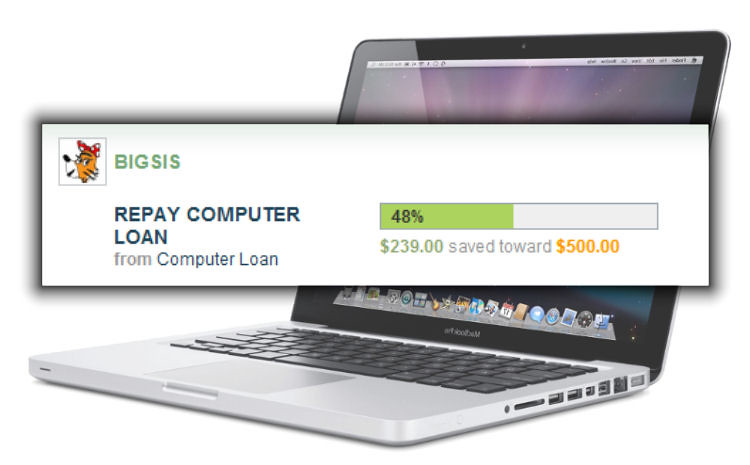
In 2010, my father gave me a loan for half the price of a MacBook Pro. I understand how fortunate I am to have this computer and take advantage of my blessings. I keep very good care of it, and besides the issues it was manufactured with (known problems!), it’s still in pristine condition. While paying off the loan, my allowance would split into four accounts: General Spending, Long Term Savings, Charitable Givings, and Computer Loan. Paying off the MacBook Pro taught me how to respect my property, understand loans, and appreciate my money.

In the current year of 2012, my money handling thus far has been good, but not great. One potential mistake is a “mini longboard” purchase I made over the summer. I used it, but not to the point where I felt it was worth the cost I payed for it. One certain mistake is the continued payment on video games; but at least I maintain a healthy amount of money after each purchase and space out my impulsiveness.
All this reflection is made possible by the Account Transaction tool built into Famzoo. Being able to look back upon my account history is really fascinating. Every single debit and credit, with its date, is captured and recorded for viewing purposes. I can’t tell you how many times I cracked a smile, laughed, and face-palmed looking over my spending habits. Having a graphical version is also interesting because it provides a visual representation of big purchases and the effect it has on one’s balance.
I believe it’s been extremely beneficial for me to see my spending habits and learn from my mistakes and I am certainly pleased with my financial development over the years. Famzoo has taught me through experience how to manage my money, use my money, respect money, and learn from my purchases.
Guest post by P. Dwight